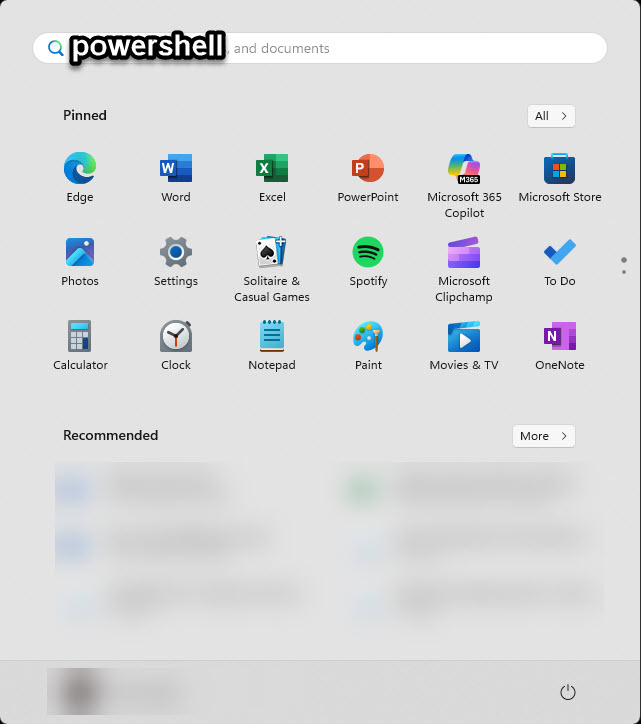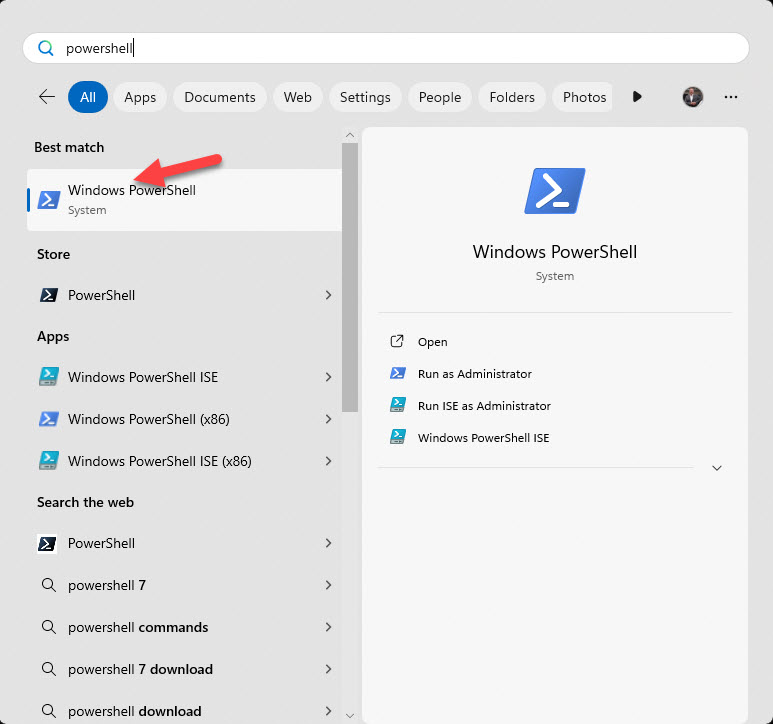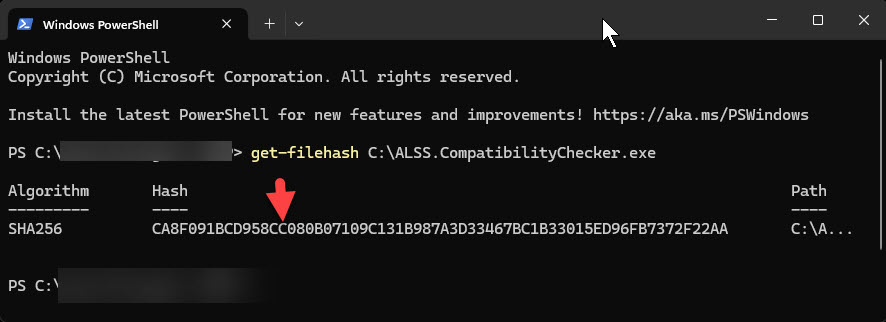
So, what exactly is this compatibility checker? It’s a super simple little program that doesn’t require any installation whatsoever. Its only job is to look at your computer’s hardware and operating system to make sure everything meets our minimum requirements.
Now, I want to be completely upfront with you – this app doesn’t guarantee 100% compatibility. Why? Well, Windows computers can have all sorts of different security configurations, background programs, and unique issues that might prevent our software from running properly. But it’s a great first step!
Let’s talk about what we’re looking for. Here are our minimum compatibility requirements:
- Processor: Intel Core i5 or AMD Ryzen 5 or better
- Memory: 12GB of RAM (though 16GB is more typical these days)
- Operating System: Windows 11 – and make sure it’s NOT in S mode
- Age: Computers less than five years old are much more likely to be compatible
The purpose of the compatibility checker is to ensure you meet these requirements. If you already know you meet these requirements then no need to run the tool and you can skip to button “2nd Get Started!”.
First, download the compatibility checker from our website and save it somewhere you can easily find it – like your Downloads folder or Desktop.
IMPORTANT: Before installing the software be
sure to read the pre-installation & installation documentation
located HERE.
Once it’s downloaded, you’ll see a file called “ALSS.CompatibilityChecker.exe” – just double-click on it to run it.
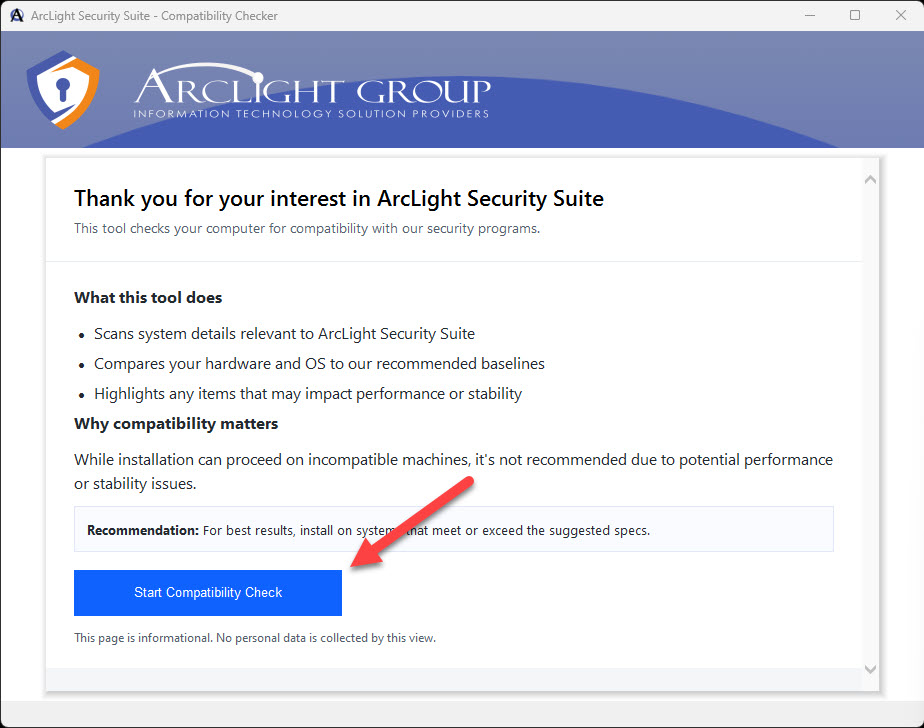
You’ll see a window pop up with a big button that says “Start Compatibility Check.” You might need to expand the window a bit to see the button at the bottom – there we go!
Click that button and the app will start scanning your hardware and operating system. This usually takes just a few seconds.
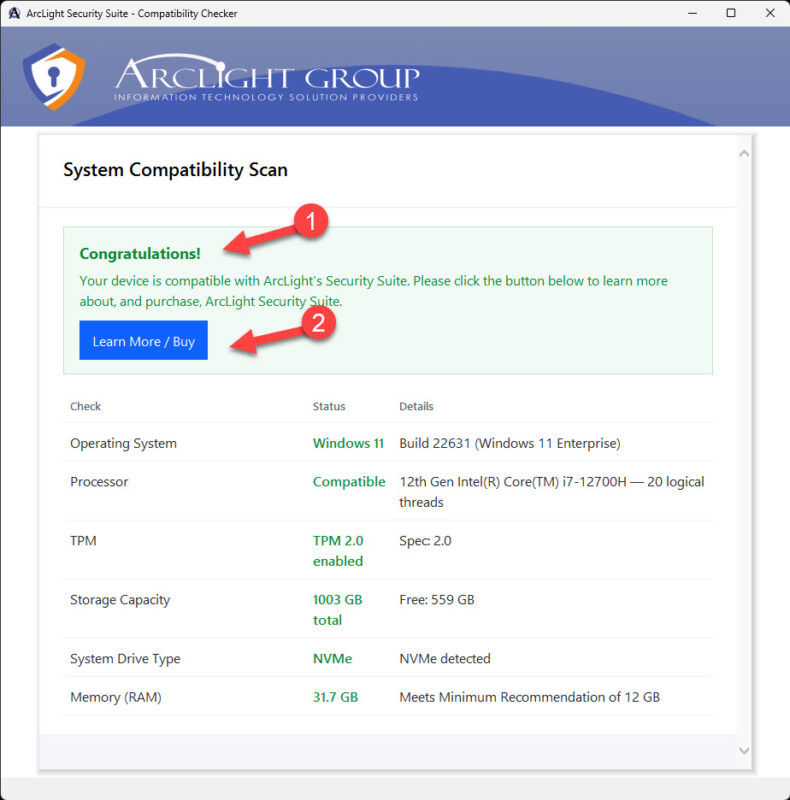
If everything looks good, you’ll see results like this showing your system is compatible.
Congratulations! You can click the “Learn More/Buy” button to head back to our website, and then look for the button labeled “2nd Get Started” at the bottom of the page.
If your device turns out to be incompatible, don’t panic! You’ll just need to upgrade your hardware before installing our software. And hey, if you’d like help with that, feel free to reach out to us at info@algsys.com – we can even help you purchase a pre-configured laptop or desktop computer that’s ready to go.